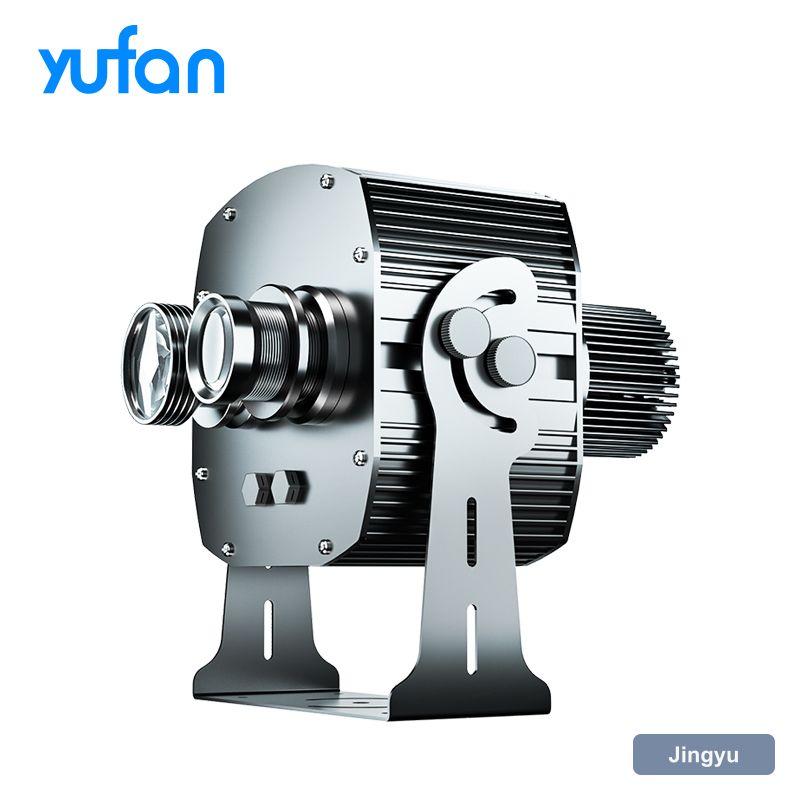
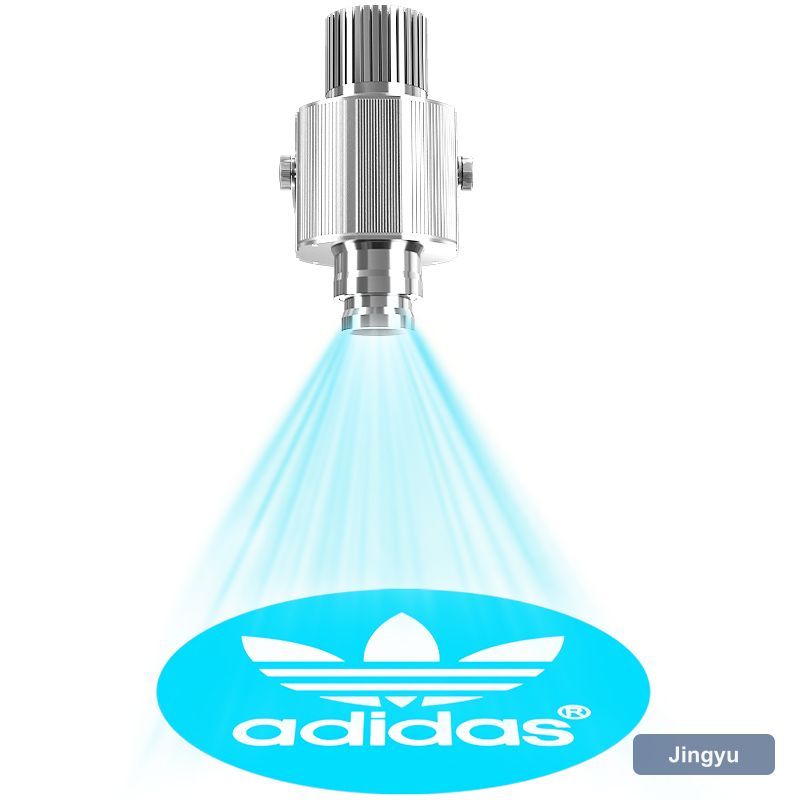
Survey before you drill
The three survey failures are power, surface and access. No socket within reach, a target surface that is glossy or patterned, and a mounting point that needs scaffolding to reach — any of these turns an one-hour welcome sign gobo projector install into a two-visit job. All three are visible in ten minutes on site.
- Power within reach of the mounting point
- What the target surface is made of and how it is lit
- Whether the mounting point carries the weight
- Access for future servicing — ladder or powered platform
Mounting height and bracket choice
Choose the bracket before the fixture. A welcome sign gobo projector needs to hold its aim through thermal cycles and, outdoors, through wind loading; a lightweight bracket that drifts a degree will put the image off-target within a month. Use a bracket rated above the fixture weight, and if the install is exposed, check the fixings are stainless.
- Bracket rated above the fixture weight
- Stainless fixings for exposed positions
- Beam as close to perpendicular as the site allows
- Position reachable without powered access
Aiming, zooming and focusing
Do the final focus at the hour the unit will actually run, with the surface at its normal temperature. A welcome sign gobo projector focused on a cold wall at 9am can drift slightly as the housing warms, and on long throws that drift is the difference between crisp and acceptable.
- Confirm the geometry and tighten the bracket
- Zoom until the image fills the intended area
- Focus on the centre of the image
- Check the corners — soft corners mean an angled mount
The part that fails inspection, not the optics
Route the cable as if somebody will try to unplug it, because somebody will. Use a switched, protected supply, keep the run out of reach where possible, and make sure the connection point is accessible for service without dismantling the welcome sign gobo projector. If the install is outdoors, the cable entry — not the housing — is the most likely place for water to get in.
Test it the way it will be used
Before you leave site, run the unit for an hour and check the housing temperature. Thermal problems on a welcome sign gobo projector rarely show up in the first ten minutes, and a unit that cuts out at 90 minutes will be a callback you could have caught on install day.
Handover notes worth leaving behind
The handover note should include the artwork file reference and the supplier's reorder code. Custom gobos are the one part of a welcome sign gobo projector install that cannot be improvised on site, and re-cutting from the original file is far cheaper than redrawing it.
- Throw distance and image width as installed
- Gobo reference and artwork file name
- Zoom and focus settings
- Supplier contact for re-cutting artwork