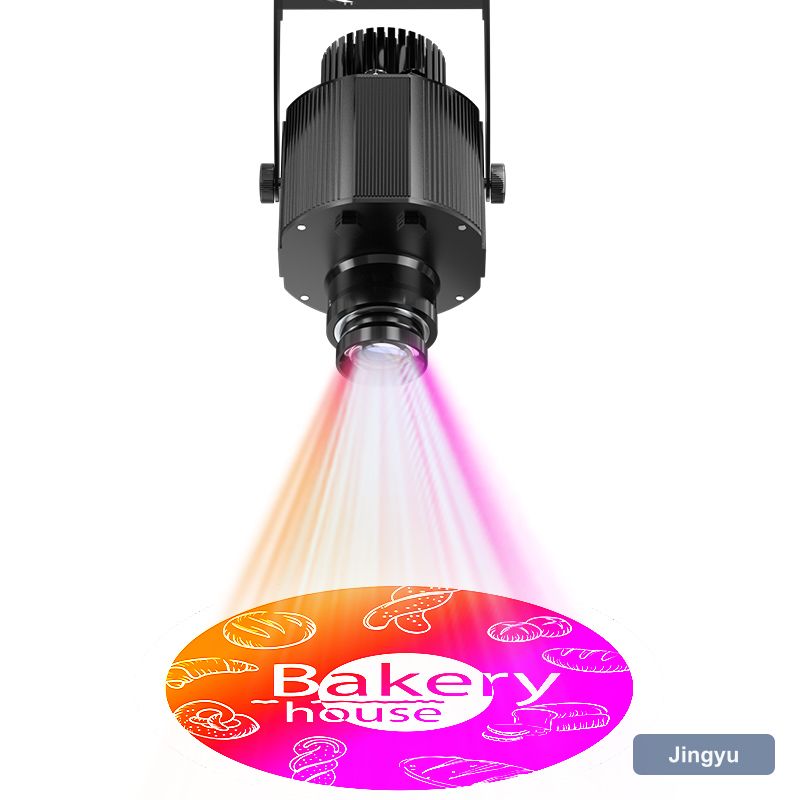
What to check on the first visit
A static gobo projector install is mostly survey work. Walk the site at the hour the projection will run, because the ambient light, the position of vehicles, and even the position of a display stand all change what works. Take a photo, measure the throw, and mark the cable route before ordering anything.
Getting the geometry right before it is fixed
Mounting height is a compromise between throw angle and accessibility. A static gobo projector mounted flat-on to the wall gives the squarest image, but the further off-axis it sits the more keystone distortion you get — the image becomes a trapezoid. Keep the beam as close to perpendicular as the site allows, and prefer a position you can reach with a short ladder rather than a cherry picker.
- Bracket rated above the fixture weight
- Stainless fixings for exposed positions
- Beam as close to perpendicular as the site allows
- Position reachable without powered access
Aiming, zooming and focusing
Adjust in this order: position, zoom, focus, then rotation. Moving the bracket after you have focused wastes the whole sequence, so get the geometry settled first. On a static gobo projector, set the zoom to frame the image on the target surface, then focus at the centre of the image and check the corners — if the corners are softer than the centre, the beam is off-axis.
The part that fails inspection, not the optics
Power is where commercial installs fail inspection. A static gobo projector drawing 20–150 W is not a problem in itself, but a cable run across a public area, a domestic extension lead, or an unswitched spur all are. Plan a fixed supply, use a gland rated to the environment, and route the cable so it is neither a trip hazard nor the first thing a cleaner unplugs.
- Fixed, switched, protected supply
- Cable gland rated for the environment, fitted with a drip loop
- Run out of reach and out of the cleaning route
- Connection point accessible without dismantling the unit
Test it the way it will be used
Commission in three checks: image sharpness at the corners, contrast against the surface at the working hour, and a full duty cycle run without thermal cut-out. That last one matters for IP65 units in enclosed spaces, where a static gobo projector can pass every optical test and still trip after four hours in a hot ceiling void.
- Image sharpness at the centre and all four corners
- Contrast against the surface at the working hour
- Full duty cycle run without thermal cut-out
- Housing temperature after an hour at full output
Handover notes worth leaving behind
Leave four things behind: the throw distance and image width as installed, the gobo reference, the focus and zoom settings, and the supplier's contact for re-cutting artwork. Six months later, when somebody asks for a second unit to match, that sheet of paper is worth more than the manual.
- Throw distance and image width as installed
- Gobo reference and artwork file name
- Zoom and focus settings
- Supplier contact for re-cutting artwork