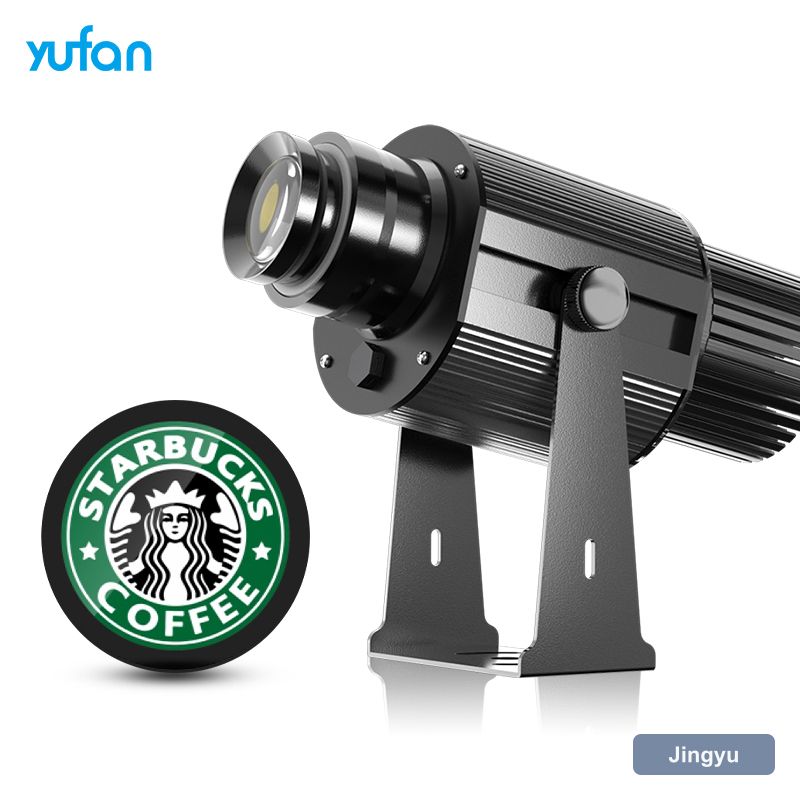
Why output fades quietly
The failure mode is decline, not breakdown. Dust on the lens, a film on the gobo, a seal that has started to let in moisture — each takes a little output, and together they turn a bright HD gobo projector into a disappointing one without anything ever actually breaking.
Cleaning the optics
Clean in the order the light travels: outer window, then the lens, then the gobo. Use a blower or a soft brush before any liquid, and only then a lens cloth with a drop of isopropyl — never a household cleaner, which will damage coatings in one go. Handle the gobo by its edge; fingerprints bake into the coating under a hot lamp.
- Blow or brush off loose dust first
- Use isopropyl sparingly on a proper lens cloth
- Avoid household cleaners on any coated surface
- Handle the gobo by the edge, never the face
Gobo inspection and replacement
Inspect the gobo whenever the image quality changes. Look for crazing in the coating, cracks at the edge, or a mark that appears in the projected image but is hard to see on the glass — holding it up to a light at an angle reveals most faults. Replace rather than clean a coated gobo that has started to degrade.
The half-yearly inspection
Twice a year, check the things that cause failures: housing temperature after an hour at full output, the condition of the seals and gaskets, the tightness of the bracket, and the state of the cable gland. an HD gobo projector that is running hot, or whose gland has perished, will fail long before the LED reaches its rated hours.
- Housing temperature after an hour at full output
- Seals and gaskets still seated and supple
- Bracket tight and the unit still on aim
- Cable gland intact and the drip loop in place
Seasonal and event checks
Do the full-duty test before you need it. an HD gobo projector that has sat idle through the quiet months should be run for a complete cycle at the working hour, with the house lights as they will be, before the season starts. That one test catches most of what would otherwise become a mid-event failure.
- Run a full duty cycle at the working hour
- Check for thermal cut-out after an hour or two
- Clean the optics before the season starts
- Confirm the timer and switch settings
Spares worth holding
Hold three things: a spare gobo, a spare remote or control interface, and the contact for re-cutting artwork. Everything else on an HD gobo projector is either long-lived or a job for the supplier. Those three cover the failures that actually happen and cost very little to keep on the shelf.
- A spare gobo, cut from the same artwork file
- A spare control handset or remote
- The artwork reference and reorder contact
- The install record with throw and settings