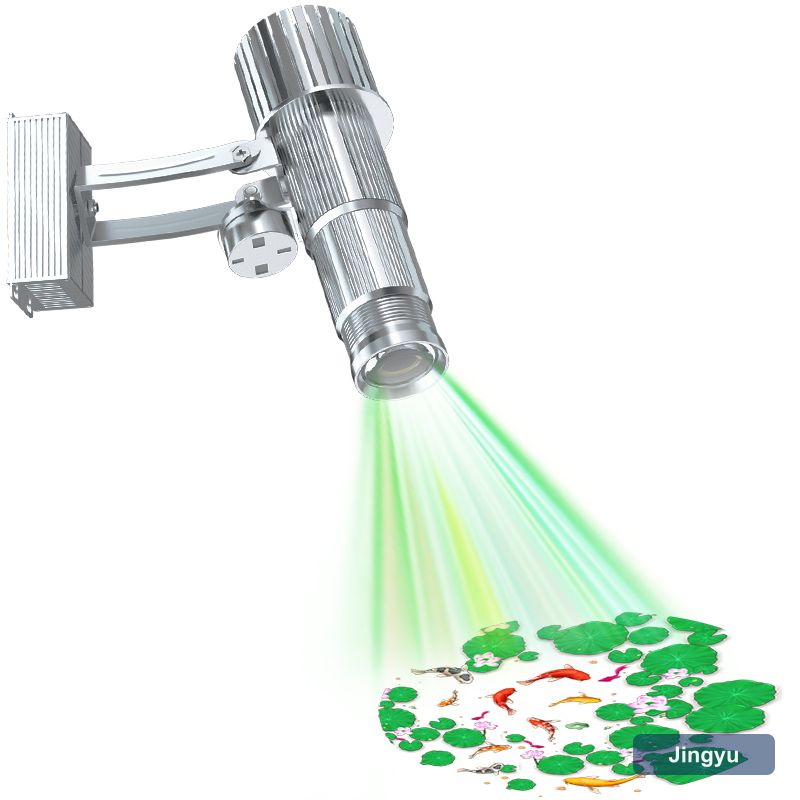
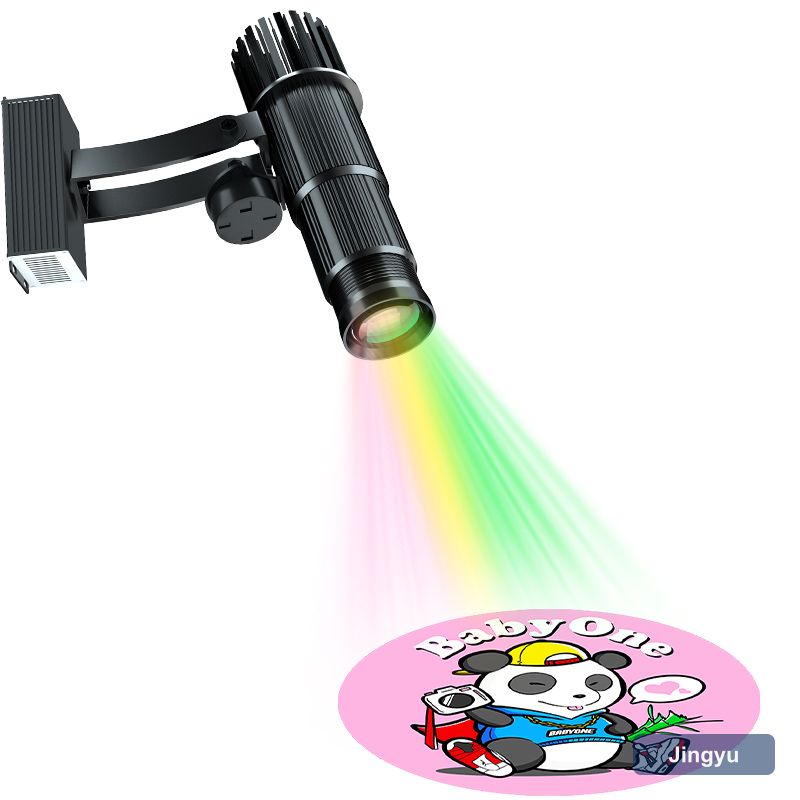
Diagnose in the order light travels
Work backwards from the wall. A business logo projector that looks wrong is usually telling you something specific: soft edges mean focus or angle, a dim image means ambient light or dirty optics, a colour cast means the filter or the gobo. Each symptom has three or four causes and only one of them is an expensive one.
- What the surface looks like and how it is lit
- Whether the image is uniformly soft or soft at one edge
- When the fault started — overnight or gradually
- Whether anything on site changed at the same time
Blur: focus, surface and lens
A soft image that appeared gradually is usually contamination, not optics failure. Dust on the internal lens or a film on the gobo scatters light and lowers contrast, which reads as blur. Clean in the order the light travels and re-check before ordering anything.
The image is too dim
Check the easy things in order: lens cleanliness, ambient light at the working hour, image size. Halving the image area doubles the brightness at the wall, which is free. Only after those should you consider a higher output model — and if you do, note that going from 20 W to 200 W is a visible but not dramatic change.
- Clean the outer window and lens
- Measure ambient light at the working hour
- Reduce the image width and re-check contrast
- Run a full duty cycle and log the housing temperature
Colour and artwork faults
Colour faults split into two groups. A global cast — everything is pinker or greener than it was — points at the colour filter or the LED itself. A fault confined to part of the image points at the gobo: a coating that has crazed, a glass gobo that has cracked, or contamination on one side. Knowing which you have saves replacing the wrong part.
- Compare against the install photograph
- Decide whether the whole image or part of it is affected
- Inspect the gobo against a light at an angle
- Check the original artwork file resolution
It cuts out, hums or trips
Intermittent faults are thermal or connection problems. A business logo projector that runs for an hour then cuts out is overheating or has a marginal supply; one that hums has a driver or a transformer under load; one that trips a breaker usually has a genuine earth fault or an over-sized protective device. Log when it happens — after warm-up, at switch-on, or at random — and the pattern identifies the cause.
What to have ready before you call
Warranty claims go faster with evidence. Record the model, install date, daily run hours, throw distance and a photo of the fault. For a business logo projector the most useful single piece of information is whether the fault is gradual or sudden — gradual almost always means environment, sudden almost always means a component.
- Model and serial number
- Install date and daily run hours
- Throw distance and image width
- A photograph of the fault at the working hour