What to check on the first visit
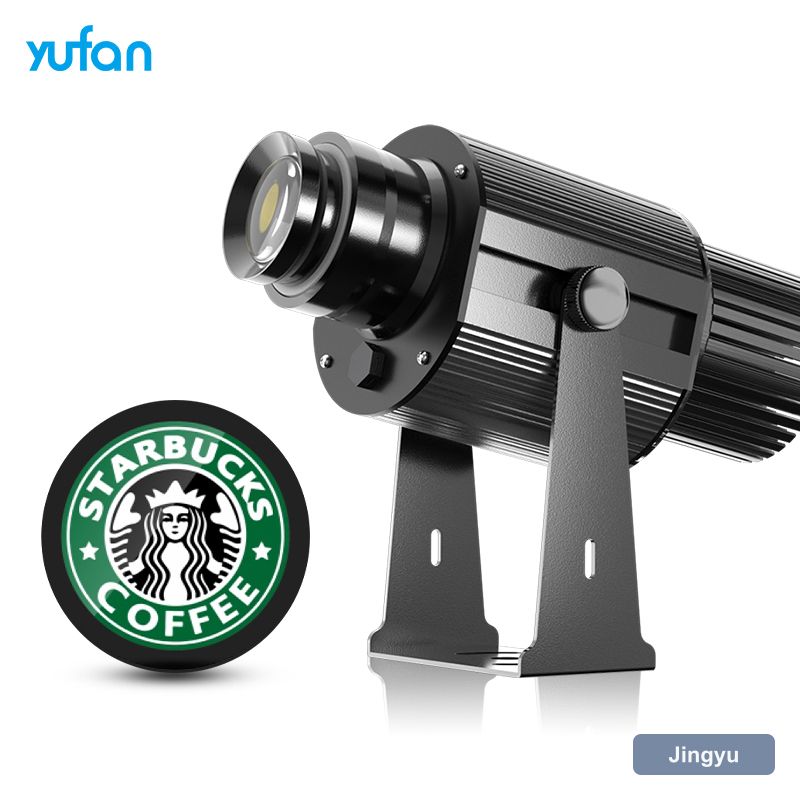
A store logo projection light install is mostly survey work. Walk the site at the hour the projection will run, because the ambient light, the position of vehicles, and even the position of a display stand all change what works. Take a photo, measure the throw, and mark the cable route before ordering anything.
- Nearest power and whether it is switched
- Surface material, colour and ambient light at the working hour
- Fixing substrate and bracket load
- How the unit will be reached for cleaning
Mounting height and bracket choice
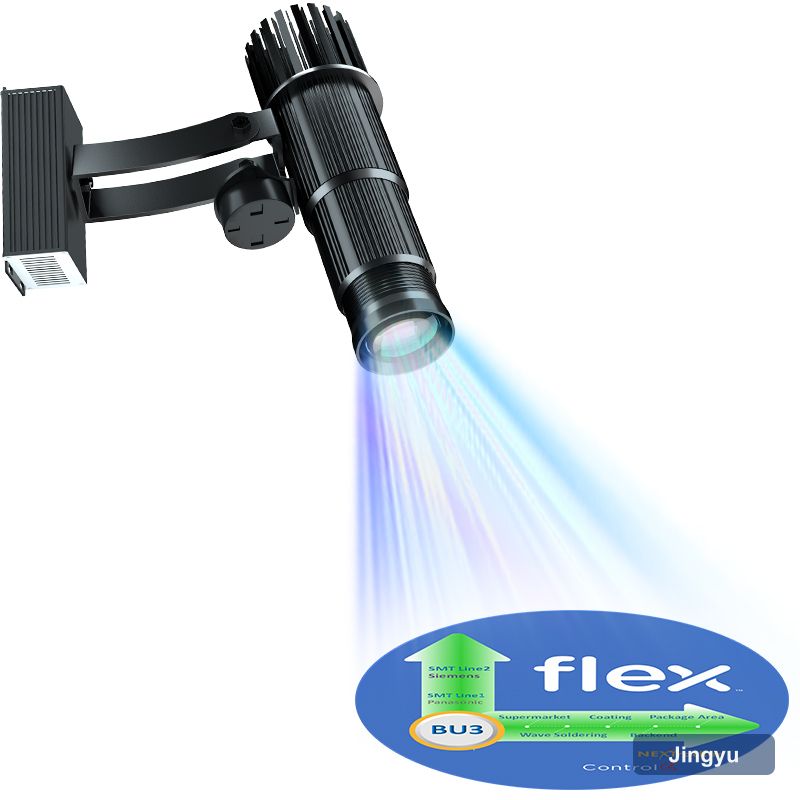
Choose the bracket before the fixture. A store logo projection light needs to hold its aim through thermal cycles and, outdoors, through wind loading; a lightweight bracket that drifts a degree will put the image off-target within a month. Use a bracket rated above the fixture weight, and if the install is exposed, check the fixings are stainless.
Aiming, zooming and focusing
Do the final focus at the hour the unit will actually run, with the surface at its normal temperature. A store logo projection light focused on a cold wall at 9am can drift slightly as the housing warms, and on long throws that drift is the difference between crisp and acceptable.
- Confirm the geometry and tighten the bracket
- Zoom until the image fills the intended area
- Focus on the centre of the image
- Check the corners — soft corners mean an angled mount
The part that fails inspection, not the optics
Power is where commercial installs fail inspection. A store logo projection light drawing 25–150 W is not a problem in itself, but a cable run across a public area, a domestic extension lead, or an unswitched spur all are. Plan a fixed supply, use a gland rated to the environment, and route the cable so it is neither a trip hazard nor the first thing a cleaner unplugs.
Test it the way it will be used
Commission in three checks: image sharpness at the corners, contrast against the surface at the working hour, and a full duty cycle run without thermal cut-out. That last one matters for IP44 units in enclosed spaces, where a store logo projection light can pass every optical test and still trip after four hours in a hot ceiling void.
- Image sharpness at the centre and all four corners
- Contrast against the surface at the working hour
- Full duty cycle run without thermal cut-out
- Housing temperature after an hour at full output
What the site team needs on paper
The handover note should include the artwork file reference and the supplier's reorder code. Custom gobos are the one part of a store logo projection light install that cannot be improvised on site, and re-cutting from the original file is far cheaper than redrawing it.
- Throw distance and image width as installed
- Gobo reference and artwork file name
- Zoom and focus settings
- Supplier contact for re-cutting artwork