Worldwide shipping Most items in stock Custom gobo + local power adapter included
Hangzhou Jingyu Technology Co., Ltd.
Certified Manufacturer · CE · RoHS · FCC · ISO9001

Custom Brand Colour Matching on a Projected Logo (Pantone, White Walls, Reorders)

How-to 1 min read

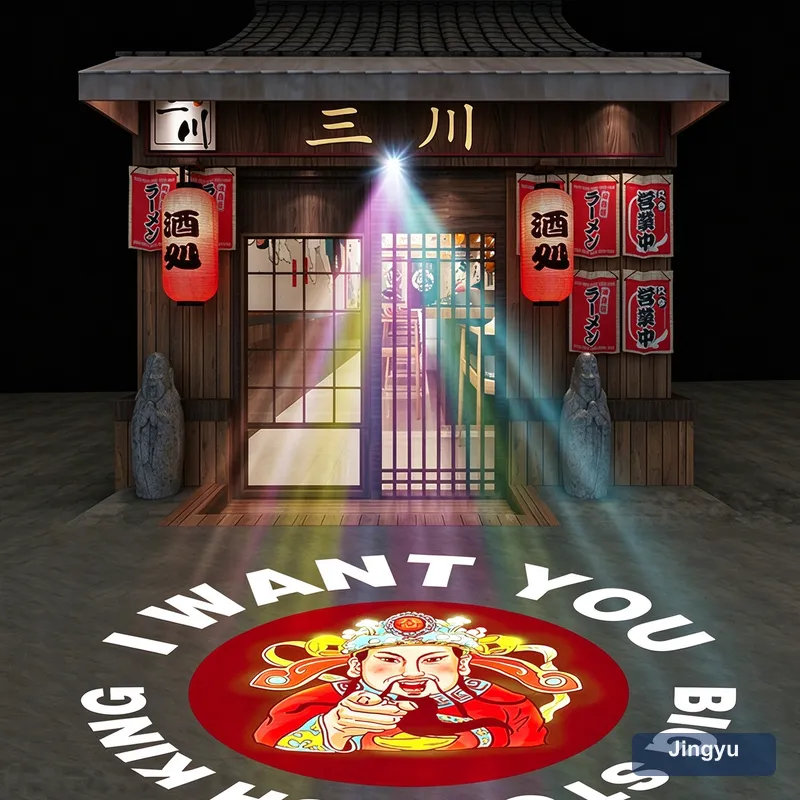
A projected logo only matches your brand if three things align: the right light colour, the right gobo and a surface that does not fight you. This is the practical path from Pantone swatch to repeatable, on-brand projection.

Start with the surface

Projection colour is the light colour multiplied by the wall. A warm beige wall tints everything yellow; a deep red wall kills a red logo. The most predictable results come from a clean white or very light grey, matte surface. If you cannot control the wall, compensate by choosing a gobo tint that cancels the wall colour.

Match the light, not just the gobo

Tell your supplier the Pantone or HEX and ask for a matched single-colour LED, or supply a colour gobo designed for a white source. RGB 'close enough' drifts under ambient light and looks inconsistent night to night.

Designing the gobo for colour

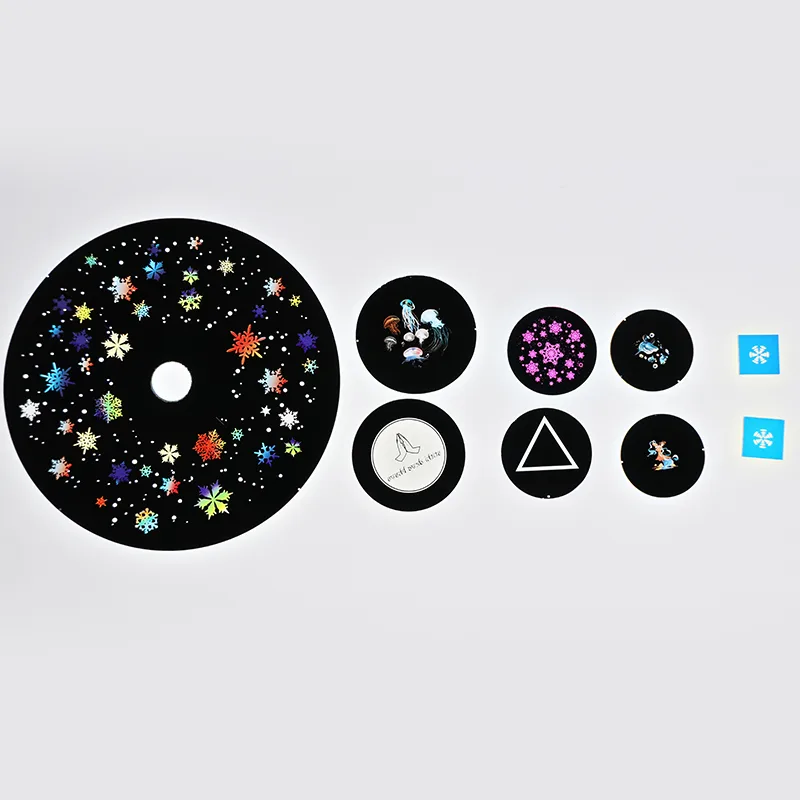
A colour gobo is a tinted glass or film disc. Provide vector artwork with the exact fill, and request a proof: a small printed or projected sample before the full run. This catches colour and registration errors cheaply.

Reordering consistently

Keep the gobo artwork and the matched LED part number on file. Reorder against that spec so a logo installed in Shanghai matches one in Berlin. Note that gobo discs wear — schedule replacements on a maintenance calendar.

Common colour failures

Avoid these:

  • Assuming RGB equals your Pantone (it does not).
  • Projecting a red logo on a red wall (invisible).
  • Skipping the proof and discovering drift on install.
  • Mixing LEDs across sites so colours no longer match.

Quick spec sheet for suppliers

Send this and you will get a consistent result:

  1. Pantone/HEX of the brand colour.
  2. Wall colour and material at the install site.
  3. Required logo size and throw distance.
  4. Single-colour LED request (matched) or white + colour gobo.
  5. Proof requirement before full production.
  6. Reorder reference ID for future consistency.
Common questions

Can a projector show my exact Pantone?

With a matched single-colour LED or a colour gobo on a white source, yes — far more reliably than with RGB, which only approximates.

Why does my logo colour look wrong on the wall?

Because wall colour multiplies the light. A coloured or dark wall shifts the hue. Use a light matte surface or a gobo tint that compensates.

Do I need a proof before ordering?

Strongly recommended. A small projected or printed proof catches colour and alignment errors for a fraction of a full rerun cost.

How do I keep colours consistent across sites?

File the gobo artwork and the matched LED part number, and reorder against that spec. Avoid mixing LED brands between locations.

Will the colour fade over time?

Gobo discs and LEDs both age. Schedule periodic gobo replacement and use stable, matched LEDs to keep brand colour repeatable.

RGB or single-colour for brand colour?

Single-colour with a matched LED for accuracy; RGB only if you accept an approximate, mood-driven hue.

Related products

Need help specifying this?

Send us the throw distance, the image size you need and your artwork — we will recommend the right model and quote within 24 hours.

← RGB vs Single Colour Gobo Projector: Which Reads Your Bran Gobo Projector for Car Dealership: Branding the Forecourt →