Start with the surface
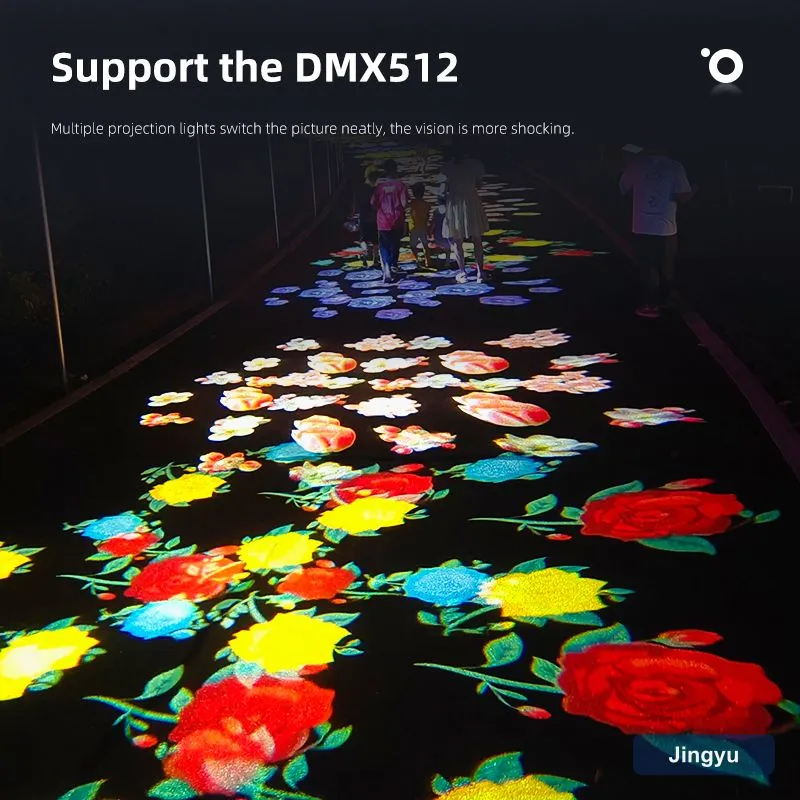
Projection colour is the light colour multiplied by the wall. A warm beige wall tints everything yellow; a deep red wall kills a red logo. The most predictable results come from a clean white or very light grey, matte surface. If you cannot control the wall, compensate by choosing a gobo tint that cancels the wall colour.
Match the light, not just the gobo
Tell your supplier the Pantone or HEX and ask for a matched single-colour LED, or supply a colour gobo designed for a white source. RGB 'close enough' drifts under ambient light and looks inconsistent night to night.
Designing the gobo for colour
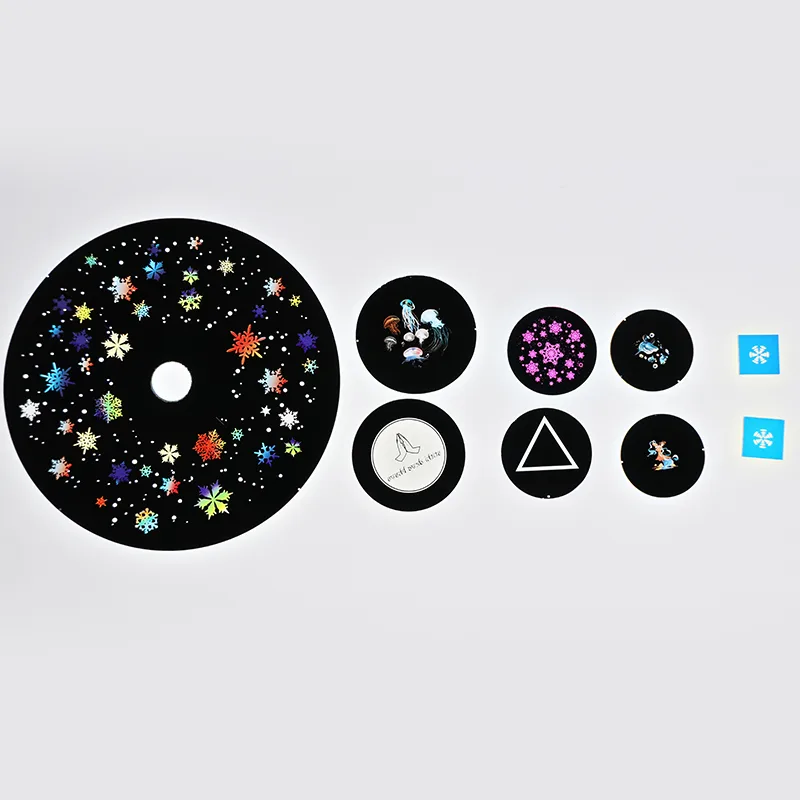
A colour gobo is a tinted glass or film disc. Provide vector artwork with the exact fill, and request a proof: a small printed or projected sample before the full run. This catches colour and registration errors cheaply.
Reordering consistently
Keep the gobo artwork and the matched LED part number on file. Reorder against that spec so a logo installed in Shanghai matches one in Berlin. Note that gobo discs wear — schedule replacements on a maintenance calendar.
Common colour failures
Avoid these:
- Assuming RGB equals your Pantone (it does not).
- Projecting a red logo on a red wall (invisible).
- Skipping the proof and discovering drift on install.
- Mixing LEDs across sites so colours no longer match.
Quick spec sheet for suppliers
Send this and you will get a consistent result:
- Pantone/HEX of the brand colour.
- Wall colour and material at the install site.
- Required logo size and throw distance.
- Single-colour LED request (matched) or white + colour gobo.
- Proof requirement before full production.
- Reorder reference ID for future consistency.